
Planning guide
How to choose a date when everyone is busy
Start with three realistic choices, set a short voting window, and make one person responsible for confirming the result.
The short answer
Do not begin with an empty question. Offer a small number of workable options, explain any constraints, and tell everyone when the decision will be made.
Build better options
- Check the host’s non-negotiable dates first.
- Remove choices that create difficult travel or timing.
- Offer no more than three strong options.
- Include time zones when the group is not local.
Set a decision point
A poll without an end time becomes another conversation. Say when voting closes and what happens if no option works for everyone.
How Hub App helps
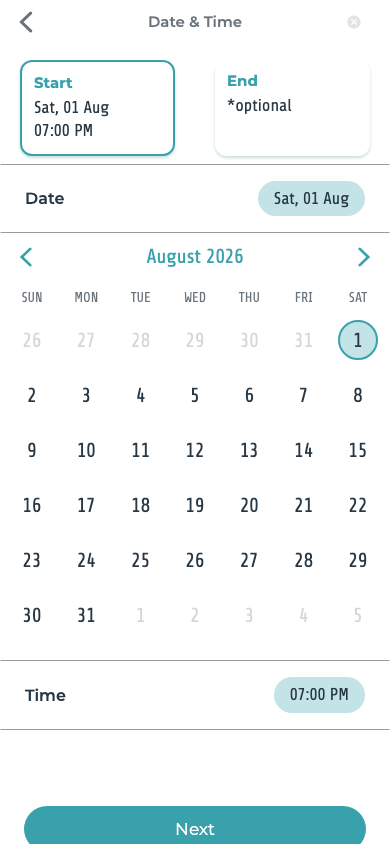
Add date or time choices to the invitation, collect votes beside the event, and keep the final plan where guests can find it.
Should everyone agree on the date?
Not always. Decide in advance whether you need unanimity or the option that works for the largest number of essential guests.
Start here
Ready to make the plan happen?
Put the invitation, replies, and updates in one place.